

How to Build a High Converting Landing Page for Ads
When it comes to digital advertising, your landing page is where the sale truly happens. You can have the most precisely targeted Google Ads campaign in the world, but if your landing page fails to engage or convert visitors, your results will never meet expectations. In 2026, competition for online attention is fiercer than ever. Users expect pages to load instantly, deliver exactly what was promised in the ad, and make it easy to take action. A strong landing page can double or even triple your conversion rates while reducing wasted ad spend. This guide will walk you through the essential elements of building a high-converting landing page for your paid advertising campaigns, explaining what works, what to avoid, and how to measure success.
What Is a Landing Page
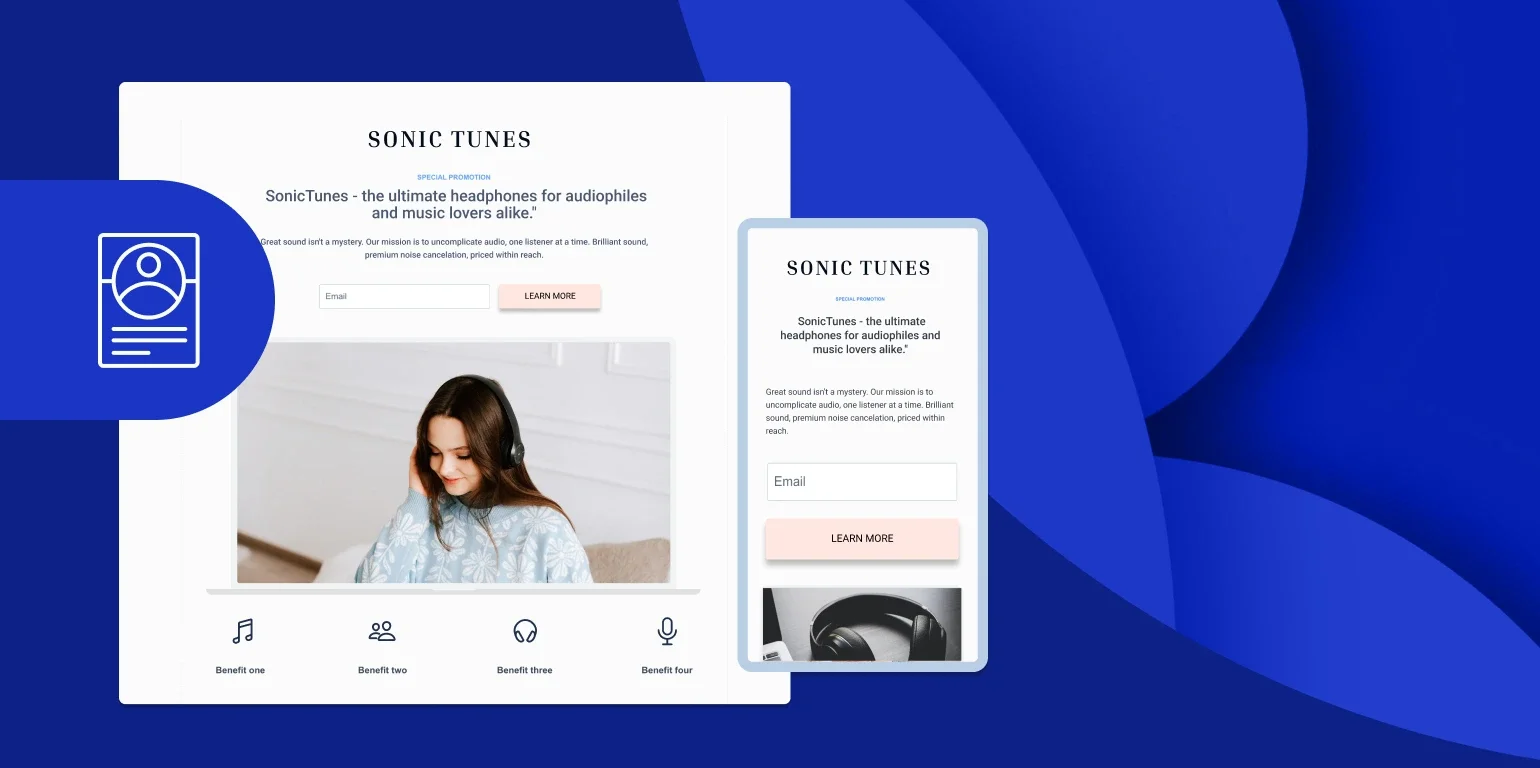
A landing page is a single-purpose web page designed to convert visitors from a specific campaign into leads or customers. It is not your homepage or a general information page. Instead, it is built around one message, one offer, and one clear call to action. For example, if you are running a Google Ads campaign offering a free consultation for digital marketing, the landing page should focus entirely on that offer. Every element on the page should support the goal of encouraging the visitor to take action. According to HubSpot, landing pages with a single, focused objective convert significantly better than those with multiple calls to action or distractions.
Why Landing Pages Matter for Ad Performance
When users click on an ad, they have already shown intent. The landing page is your chance to confirm that they made the right choice. A high-performing landing page improves:
Conversion Rate: More visitors become leads or customers.
Quality Score: Google rewards pages that are relevant and user-friendly, lowering your cost per click.
ROI: Better conversions mean more revenue from the same ad spend.
At Cristanta Digital Marketing, landing page optimization is included in every paid advertising package because it plays such a central role in campaign performance. You can learn more about this service on our Paid Advertising Services page.
Step 1: Match Your Message to the Ad
One of the most common reasons landing pages fail is a disconnect between the ad and the page itself. Consistency between your ad and landing page builds immediate trust and makes visitors feel confident they’re in the right place. If your ad promises “Free Consultation for Google Ads Management,” that exact wording—or a very close variation—should appear in your landing page headline. When visitors see the same message repeated, it reassures them that they clicked correctly and that what you’re offering matches their intent. When there’s a mismatch, even a small one, visitors feel confused or misled. That hesitation often leads to higher bounce rates and lost conversions. People don’t want to hunt for confirmation—they want instant clarity. To avoid this, make sure:
The headline mirrors the ad’s core promise
The subheadline expands on the same benefit
The page content supports the offer made in the ad
The call to action uses the same language and tone
Message matching isn’t just about wording—it’s about alignment. The intent, benefit, and tone of the ad should carry seamlessly through the entire landing page. When everything feels connected, visitors are more likely to stay, engage, and convert.
Step 2: Write a Clear, Compelling Headline
Your headline is the first thing visitors see—and in many cases, it determines whether they stay or leave. You usually have just a few seconds to convince someone they’re in the right place, so your headline needs to do some heavy lifting. A strong headline should immediately answer the visitor’s unspoken question: “Did I land on the page I was expecting, and is this worth my time?” An effective headline should:
Confirm what the user clicked for
The headline must closely match the ad, keyword, or link that brought them there. When there’s a disconnect, visitors feel confused or misled and bounce quickly.Clearly communicate the main benefit
Focus on outcomes, not features. Tell visitors what problem you solve or what result they’ll get—more leads, lower costs, saved time, or increased revenue.Create curiosity or urgency (without being clickbait)
A subtle sense of urgency, specificity, or intrigue encourages visitors to keep reading. Avoid hype, but give them a reason to care right now.Be simple and specific
Clever or vague headlines might sound nice, but clarity always wins. If someone has to think too hard to understand your message, you’ve already lost them.
For example, “Increase Your Leads with Expert Google Ads Management” immediately tells the visitor what you do and why it matters. Compare that to something generic like “Welcome to Our Marketing Page,” which gives no value, no direction, and no reason to stay. The goal of your headline isn’t to sell everything—it’s to reassure, orient, and entice. When done right, it sets the tone for the entire page and makes every section that follows more effective.
Step 3: Craft Persuasive Supporting Copy
Once your headline has grabbed their attention, your supporting copy has one job: convince them to keep going and take action. This is where you build understanding, confidence, and momentum. The key is to focus on benefits, not features. Visitors don’t care about the mechanics of what you do—they care about what they get as a result. For example, instead of listing services like “Campaign Setup, Keyword Research, Ad Optimization,” translate those into outcomes that matter: “We build campaigns that attract qualified leads, eliminate wasted ad spend, and consistently grow your revenue month after month.” Your copy should answer the visitor’s biggest questions:
How does this help me?
Why should I trust you?
What problem are you solving?
To keep people engaged:
Write in short, clear sentences
Use bullet points or sections to make the page easy to scan
Speak directly to the visitor’s goals and pain points
Avoid jargon and internal marketing language
Every line should move the reader closer to action. If a sentence doesn’t build value, clarity, or trust, it doesn’t belong. Strong supporting copy doesn’t overwhelm—it reassures, educates, and makes the next step feel obvious.
Step 4: Use a Strong Visual Hierarchy
Your design should guide the user’s eyes naturally toward the call to action. Elements like headlines, images, and buttons should stand out without overwhelming the visitor. White space helps maintain focus, while contrasting colors can draw attention to key actions like “Book Your Consultation” or “Get Your Free Quote.” Avoid clutter. Every element on the page should have a purpose. For inspiration, check examples from Unbounce, a platform known for creating high-performing landing pages.
Step 5: Include a Clear Call to Action
Your call to action (CTA) is the most important part of the page. It tells visitors exactly what to do next. Good CTAs are action-oriented and specific, such as:
Schedule Your Consultation
Get Your Free Quote
Start Your Campaign Today
Place your CTA in multiple locations: at the top for quick decisions, in the middle for reinforcement, and again at the end for users who read everything. Make sure the CTA stands out visually and is easy to click on both desktop and mobile devices.
Step 6: Highlight Trust and Credibility
Before committing to any action, visitors need to feel confident in your business. You can build trust by including:
Testimonials from satisfied clients
Logos of recognizable brands or certifications
Clear contact information
Privacy assurances for forms
These signals show that you are a legitimate business that values customer security and satisfaction.
Step 7: Optimize for Mobile Users
More than 60 percent of Google Ads clicks now come from mobile devices. If your landing page is not optimized for mobile, you are losing valuable leads. Ensure your page loads quickly, fits on all screen sizes, and keeps important elements like buttons and forms easy to interact with. Google prioritizes mobile-friendly pages in its ad algorithms, so optimizing for mobile directly impacts your ad quality and cost.
Step 8: Keep Forms Short and Simple
If your landing page includes a form, ask only for the information you absolutely need. The fewer fields users must fill out, the higher your conversion rate will be. For example, a name, phone number, and email address are usually enough for most service-based businesses. Make sure the form button clearly communicates the next step, such as “Get Started” or “Book My Consultation.
Step 9: Incorporate Visuals Strategically
Images and videos can help explain your offer faster than text. Use visuals that reinforce your message. For instance, a short video explaining your process or showing a satisfied customer testimonial can significantly boost trust and engagement. Avoid stock photos that look overly generic. Authentic images of your team, office, or real customers feel more genuine and relatable.
Step 10: Optimize Page Speed
A slow page can ruin even the best ad campaign. Users expect pages to load in under three seconds, and delays can dramatically reduce conversions. Compress images, minimize scripts, and use reliable hosting. Regularly test your page with tools like Google PageSpeed Insights to identify performance issues.
Step 11: Use Analytics to Measure Conversions
If you’re not tracking conversions, you’re essentially flying blind. Every landing page should have proper tracking in place so you can clearly measure what’s working—and what isn’t. Start by setting up conversion tracking in Google Ads and connecting it with Google Analytics. This allows you to see not just how many people arrive on your page, but how they actually behave once they’re there. Make sure you’re tracking key actions such as:
Form submissions
Button or CTA clicks
Phone calls
Chat interactions or downloads, if applicable
Beyond simple conversions, analytics can reveal where visitors drop off, how far they scroll, which devices perform best, and which traffic sources bring the highest-quality leads. This insight helps you identify friction points and prioritize improvements that have the biggest impact. Without accurate data, optimization becomes guesswork. With the right analytics in place, every change you make is informed, measurable, and tied directly to better performance.
Step 12: Test and Refine Regularly
High-converting landing pages are rarely perfect from day one. Testing different versions of headlines, images, and layouts will help you discover what works best. A/B testing allows you to compare two versions of a page and identify which one delivers higher conversions. Test one variable at a time so you can clearly see what causes improvements. Continuous testing and refinement ensure your landing page keeps evolving alongside customer behavior.
Step 13: Align Your Landing Page with Campaign Goals
Your landing page should be built around the specific goal of the campaign sending traffic to it. When the page and campaign intent don’t match, even high-quality traffic can fail to convert. If your campaign is focused on lead generation, the landing page should make it easy—and obvious—to get in touch. That means prominent contact forms, clear calls to action, minimal distractions, and messaging that reinforces why reaching out is worthwhile. If the campaign is geared toward ecommerce or direct sales, the page should shift its focus to product details and a smooth checkout experience. Clear pricing, strong product benefits, trust signals, and a simple path to purchase become the priority. Key alignment areas to review include:
The primary call to action (matches the campaign objective)
Page layout and flow (designed to support one main action)
Content depth (educational for leads, transactional for sales)
Distractions (remove anything that doesn’t support the goal)
When the landing page matches the intent set by the ad, visitors immediately understand what to do next. That clarity reduces bounce rates, improves user experience, and significantly increases conversion rates.
Step 14: Include Local or Industry Specific Content
If your business serves a specific location or industry, include details that reflect that. Mentioning your city, service area, or specialization increases relevance and improves performance in local searches. For example, “Serving Businesses Across Toronto and the GTA” instantly tells visitors they are in the right place. This also supports SEO by reinforcing location relevance.
Step 15: Revisit and Update Regularly
The digital landscape changes quickly, and user expectations evolve. Revisit your landing pages every few months to update offers, refresh design, and test new strategies. Small changes like updating your copy or improving your mobile layout can have a big impact on conversions.
Why Professional Landing Page Design Matters
While anyone can build a basic page, designing one that converts consistently takes experience and testing. At Cristanta Digital Marketing, every landing page we create is tailored to align with your advertising campaigns, target audience, and business goals. We focus on message clarity, performance, and conversion optimization. If you want your Google Ads traffic to generate real leads and sales, you can learn more about our approach on the Paid Advertising Services page.
Conclusion
A landing page is the final and most critical part of your advertising funnel. It is where potential customers decide whether to act or leave. By creating pages that are fast, focused, mobile-friendly, and aligned with your ads, you can dramatically increase your conversion rate and overall ROI. Building high-converting landing pages takes effort, testing, and a clear understanding of your audience. When done right, the payoff is worth every click. If you are ready to improve your ad performance with conversion-focused landing pages, reach out to Cristanta Digital Marketing to schedule your campaign audit.